
Introduce MOD APK Depth Wallpapers & Live Clock
Depth Wallpapers & Live Clock MOD APK (Unlocked Pro) provides users with phone wallpapers that directly integrate clocks and dates with stunning 3D effects. The application regularly updates with many new wallpaper designs in its collections. Choose a clock design directly on the screen from a variety of pre-designed templates. Customize the font, color, size, and position of the clock to suit your needs. The system has organized wallpapers into various categories, making the search and management process easier.
Depth Wallpapers & Live Clock MOD APK allows users to fully personalize the clock animation effects when unlocking the screen. First, the Clock Animation option enables or disables the clock animation effect, making the interface more modern each time you unlock. The system also offers additional motion styles such as Fade & Scale, Slide Up & Fade, Slide Down & Fade, or Slide Left & Fade. Depending on the effect you choose, the clock will slide up or sideways combined with a fading effect. Use the Speed slider to adjust the animation speed as desired, from slow to fast.
Depth Wallpapers & Live Clock MOD APK – The wallpaper features an integrated clock with beautiful 3D effects
To choose your preferred wallpaper, simply access the Wallpapers section on Depth Wallpapers & Live Clock Unlocked Pro and select your desired wallpaper. Here, wallpapers are categorized into Recent, Premium, and Random sections. Each wallpaper is designed with details such as airplanes, landscapes, architecture, or artistic elements with multiple layers, creating a realistic 3D effect. Each wallpaper also integrates a clock, placed in various positions. This allows users to quickly choose a wallpaper with a clock placement that suits their personal preference. After selecting your favorite wallpaper, simply click on Set As Wallpaper to begin the setup process. For frequently used wallpapers, you should star them to add them to your favorites.
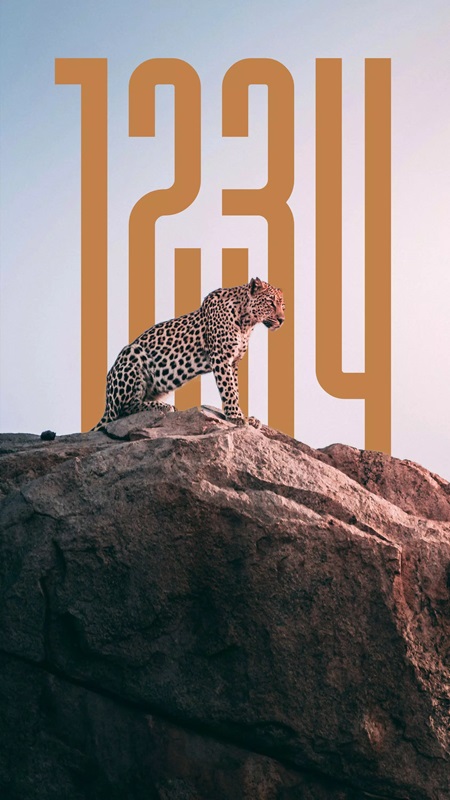
Diverse collection of wallpapers
With over 120 handcrafted wallpapers divided into various collections, Depth Wallpapers & Live Clock MOD 1.4.01 makes it easy for users to choose a 3D wallpaper to change every day. The Collections section displays a full range of collections for you to access, such as Abstract, Aerospace, Animal, Anime, Architecture, Birds & Vehicles, Cartoon, Cute, Mix, and many more. For example, the Cars & Vehicles collection is suitable for those who love racing cars or modern supercars with unique designs and striking colors. Meanwhile, the Cute collection focuses on adorable images such as cartoon animals and cute characters. The diverse selection of wallpapers in these collections makes personalizing your screen simpler.
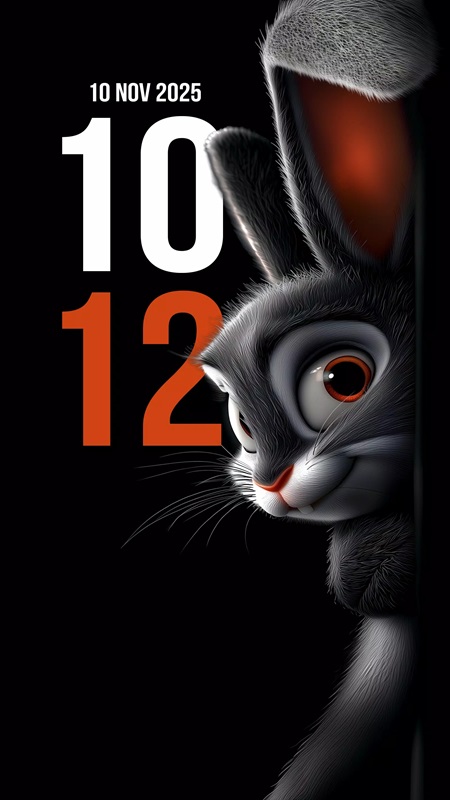
Customize the interface
Users can customize the clock interface on Depth Wallpapers & Live Clock MOD APK according to their personal preferences, personalizing the lock screen interface. Adjust the clock font size using the slider in the Basics section to make the clock stand out from other details. The application also supports changing the clock position with two options Horizontal Position and Vertical Position. This allows you to easily move the clock from left to right, up, or down, creating a more harmonious screen layout. In addition, users can automatically turn the date display on or off, and adjust the size and position of the date display to suit the overall wallpaper. Access the Rotation section to rotate the clock display angle from -180 degrees to +180 degrees, creating a unique display style.
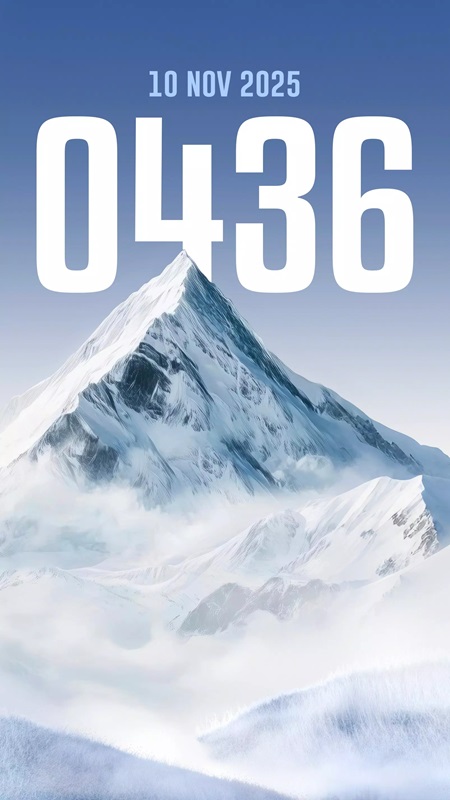
Clock display settings
Depth Wallpapers & Live Clock MOD APK allows users to customize the details displayed on the clock by accessing the Clock Settings. In the Hide System Clock section, you are guided on how to hide the default system clock on the lock screen. Hiding the default clock will prevent the simultaneous display of two clocks and ensure a more minimalist interface. Users can easily turn the Lock Screen Clock on or off, when this feature is turned off, the clock will not be displayed on the lock screen. If you want the clock to be displayed directly on the home screen, you should turn on the Home Screen Clock feature, which is more convenient for checking the time when needed. Switch to 24-hour time format to suit your daily habits.
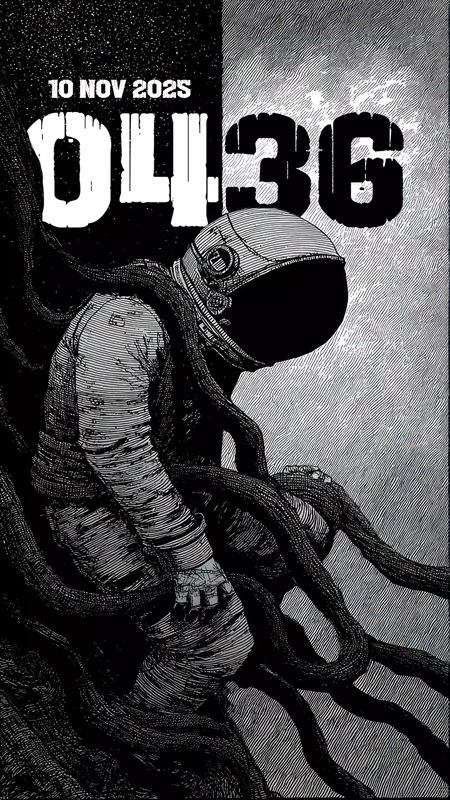
Wallpapers are organized by category
All wallpaper templates on Depth Wallpapers & Live Clock MOD APK are systematically organized into clear and scientific categories. This makes it easy to search, select, and manage 3D wallpapers according to your needs. Instead of manually searching through a large collection, wallpapers are categorized by separate themes and divided into different categories such as All, Free, and Premium. Each theme is further divided into sections, allowing you to quickly view all added wallpapers, including favorites and premium wallpapers with beautiful effects. Download Depth Wallpapers & Live Clock MOD APK to choose 3D wallpapers in various styles, with integrated clock and date display.

Pro features
Pro version of Depth Wallpapers & Live Clock MOD APK gives you access to the entire collection of premium wallpapers, with the latest designs updated daily to change your device’s look. Unlock advanced editing features, making it more convenient for users to customize the clock layout and different font styles. Apply gradient or multi-color effects to create a striking display style. Users can easily adjust line spacing, combine fonts, adjust shadows, opacity, and text transparency. Use the slider to increase or decrease the font size. In addition, Depth Wallpapers & Live Clock MOD APK provides advanced features such as precise clock rotation, stretching or shrinking the layout, and creating tilt or vertical effects for the date. Especially with the Pro version, users are free to convert multiple date formats and synchronize date and clock fonts. Access an additional premium color palette for the most comprehensive interface color customization.
How to Download & Install Depth Wallpapers & Live Clock MOD APK (Unlocked Pro) for Android
