
This build of the Pixel+ Music Player MOD APK focuses on removing advertising components and unnecessary background services to provide a cleaner user interface. It optimizes graphical assets for faster loading and ensures compatibility across a wide range of screen densities and device architectures without requiring root access.
What’s Modified in Pixel+ Music Player
- Operates independently without requiring root access, Lucky Patcher, or a modded version of Google Play.
- Unwanted permissions, receivers, providers, and services have been disabled or removed from the system.
- Graphics have been optimized and zipaligned, while resources were cleaned to ensure faster application loading.
- Ad-related permissions, services, and providers were stripped from the Android manifest file.
- Advertising links were removed and their invocation methods were nullified within the code.
- Visibility for advertisement layouts has been disabled to clean the interface.
- Debug code was removed to reduce file size and improve performance.
- Default .source tags were removed from the corresponding Java files.
- Analytics, Crashlytics, and Firebase tracking services have been disabled.
- Added AOSP compatible mode for broader device support.
- Includes full multi-language support.
- Compiled for universal CPU architectures.
- Optimized for screen DPIs ranging from 120dpi to 640dpi.
- The original package signature has been changed.
 |
 |
This build is version 6.3.11 with a file size of 10.25 MB and uses the package name it.ncaferra.pixelplayerpaid; because the original package signature has been changed, this Pixel+ Music Player MOD APK cannot be installed over an existing copy from the store.
About Pixel+ Music Player
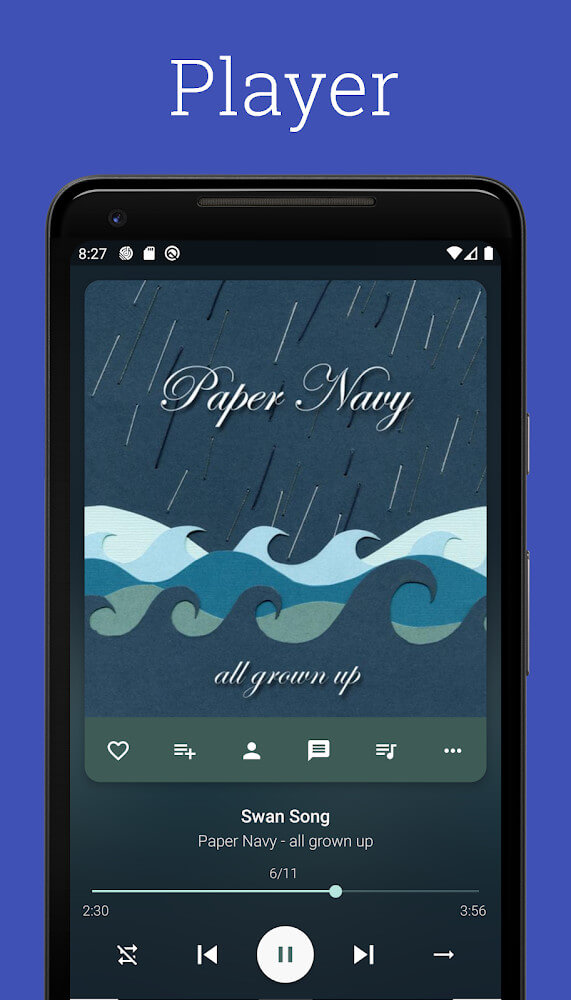
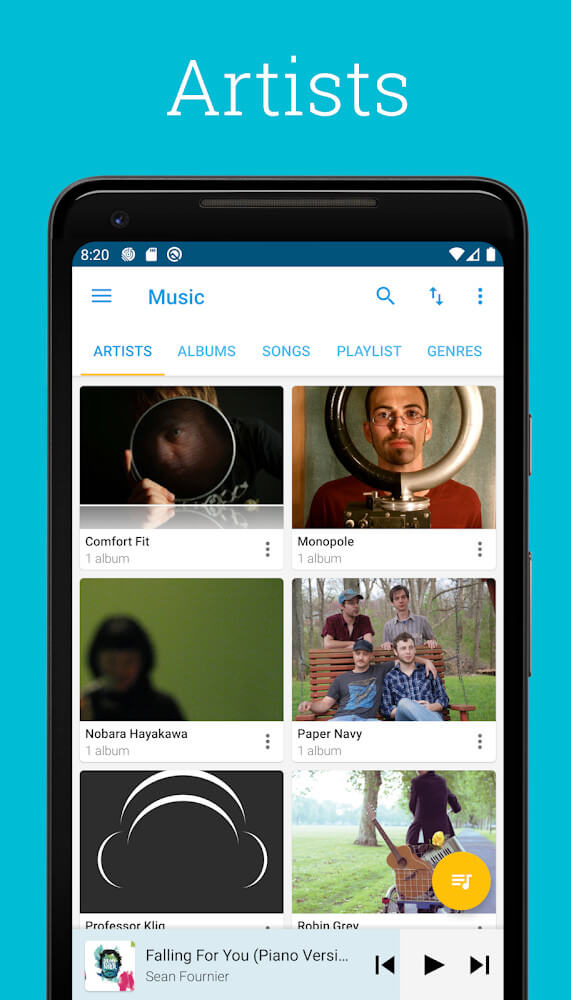
Pixel+ organizes and plays all kinds of audio and video files. It has multiple uses as a player and can play all kinds of media files like music, radio broadcasts, and podcasts. In addition, it identifies videos stored on a user’s device. The goal of the developer(s) is to create a single entertainment app where users don’t have to leave the app to enjoy different forms of entertainment. The app’s interface is built in a way where it is straightforward and simple to go through a big library of songs or episodes. The app interacts with a user’s device to find available media, and then populates its library, so as soon as the setup is complete, the user can start playing media. Video podcasts further complete the gap between audio and visual media. The app’s multifunctional nature serves a variety of modern entertainment consumption. The software meets all the audiovisual needs without requiring a user to install multiple applications for different media formats.
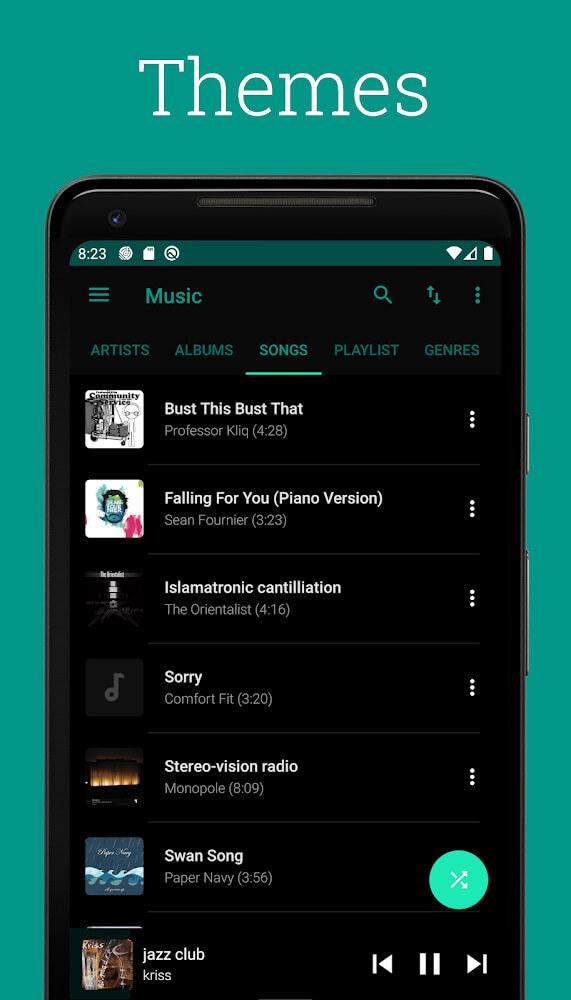
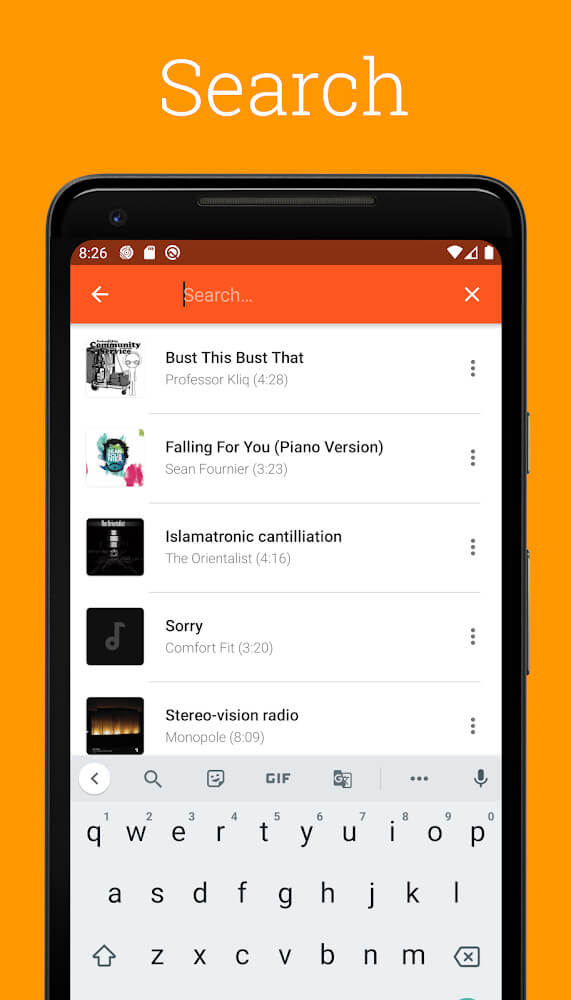
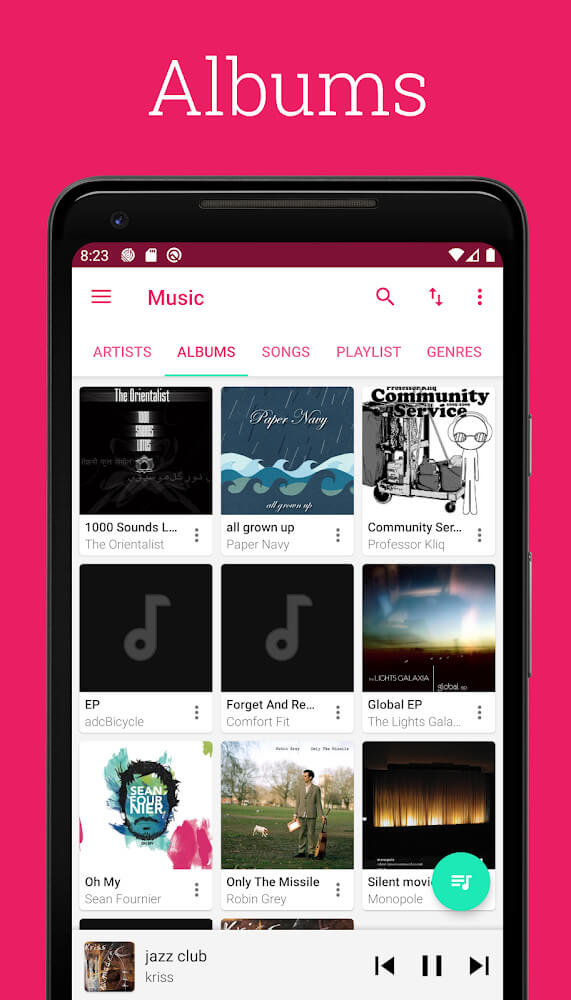
Customization drives the user experience for this app. Users are not forced to use a single predetermined aesthetic. Users can select Light, Black, and Dark Gray for the main theme. This sense of customization extends to the player as well, where users are able to select even more specific colors. The navigation system includes a quick browse feature where users can do a specific file search through the app’s audio storage. For more structured file management, there is Folder view, where users can see the organization of podcasts and songs on the device storage. Transparency is key here, as it enables users to see the organizational structure for their files. For instance, users that manage their files through manual file transfers or by a third-party file explorer will notably appreciate this feature. By showing the users the folder structure, there is no doubt for users as to the file’s location, leading users to then integrate other related software that they wish to use with the files.
 |
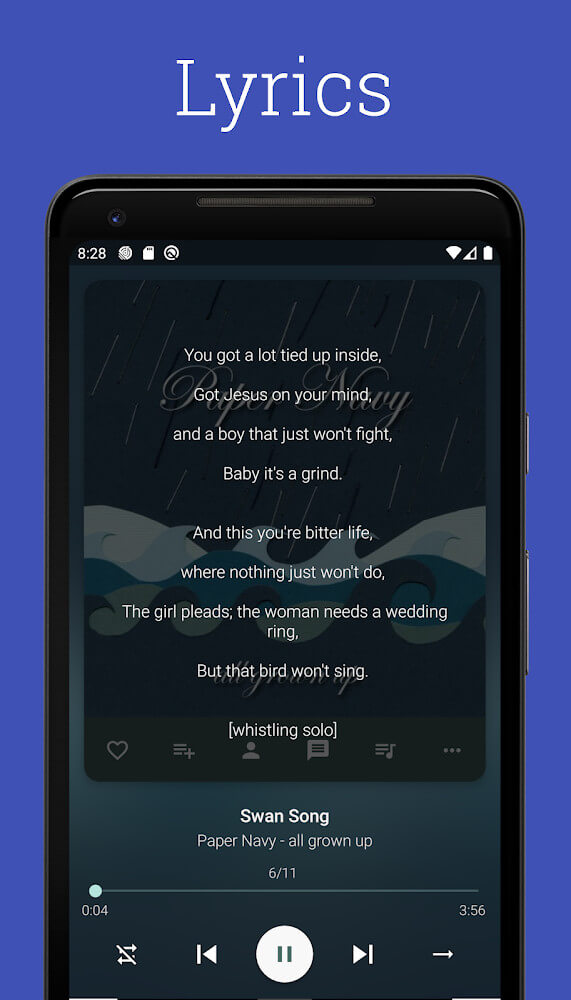 |
There are many automated and manual tools available to improve the media library’s functionality. An outstanding feature of the media library is that it provides ways to automatically obtain missing metadata such as album art and song lyrics. Quite often, media files from many different sources do not include all of the required metadata for a full media file display. The application allows for a one click download of song lyrics, and often uses the search tool to find the correct album art. Rarely, albums are released with no album artwork, and for those cases, the application provides a way to find and provide artwork so the library stays consistent and looking professional. Lyrics and album art enhance the listening experience as the media is more complete and more professional looking. The library also has a built in equalizer. The equalizer provides a bank of presets, as well as allows for manual adjustments to the audio output. The media library also has several different equalizers to give a user a level of control expected of any quality music player. The media library provides a way for a user to change the sound output profile to match their personal listening situation.
Listings for radio and podcasts are available to help users discover more content. The radio feature supports a search function for the discovery of programs and stations. For users who like to discover new content, the application suggestions content that are relevant to users’ genres that they mostly listen to. The podcast feature supports recommendations for long-form audio content. Users can view respective categories that are available on the platform for educational or informative content. The application supports video podcasts as well. This feature is useful for users who follow creators who post video series. The application supports both audio and video podcasts in one place. Most of the online content is searched in relation to categories or word that users provide ensuring that the content is user relevant.
Key features
- Music, radio, and podcast player
- Video file detection and video podcast support
- Three main themes: Light, Black, and Dark Gray
- Customizable player colors
- Quick browse feature for audio files
- Folder view for organized file management
- Lyrics download and Album Art search
- Built-in equalizer with multiple presets
- Genre-based radio recommendations
- Podcast categorization and search by word or category
 |
 |
Related MOD APKs
FAQ
What does Pixel+ Music Player MOD APK unlock?
This Pixel+ Music Player (6.3.11) version includes Many Feature. It functions like the Nicola Caferra original, with all modifications active immediately after installation.
What is the latest version of Pixel+ Music Player MOD APK?
Version 6.3.11 matches the Nicola Caferra release from August 26, 2025. We don’t keep older versions here. Update by installing this file over your current app. If you see a signature conflict, you must remove the old version first.
Is Pixel+ Music Player MOD APK safe to download?
This Pixel+ Music Player 6.3.11 build is the Nicola Caferra app with Many Feature added. 2 people gave it a 4/5 rating. It does not require root. Ignore Play Protect warnings, but always download from this page.
Can I use Pixel+ Music Player MOD APK on PC or iPhone?
This Android file cannot run on iPhone. To use the 10.25 MB package on a computer, install an emulator like BlueStacks or LDPlayer and then drag the file into the program.