
The POCO Launcher 2.0 MOD APK provides a customized version of the Xiaomi launcher that includes internal optimizations and structural changes to folder layouts. This build is designed to offer specific app visibility features while removing unnecessary files from the standard package.
What’s Modified in POCO Launcher 2.0
- The application has been cloned to allow for a secondary installation on the device.
- A search function for hidden applications has been enabled within the interface.
- Graphics and visual assets have been optimized for improved resource management.
- Folder layouts are configured to display exactly four icons.
- Unnecessary debris and redundant files have been removed from the application package.
- The build is modified to be installed without requiring Lucky Patcher patches.
- The double-tap gesture to lock the screen is non-functional in this specific version.
- This version may fail to install on MIUI systems without specific patches, though it functions on pure Android environments.
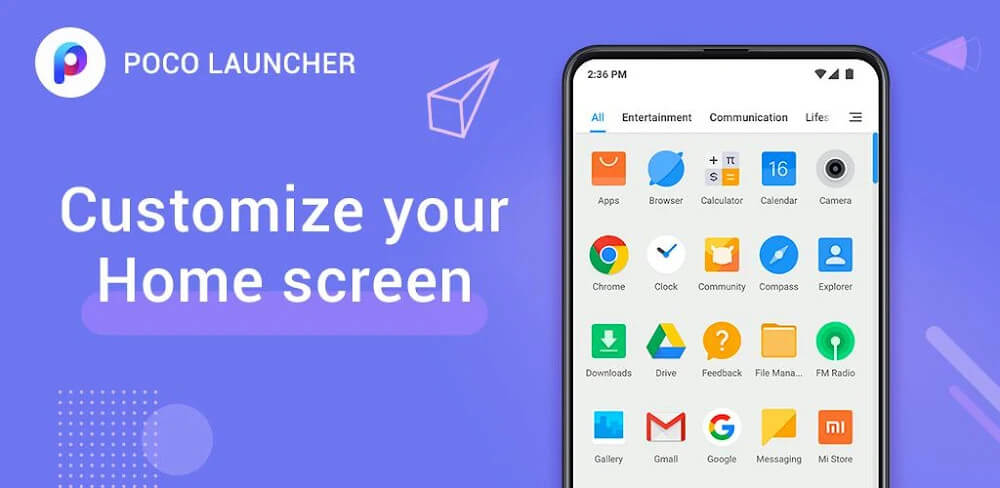
Version 5.39.31.10317-12022134 has a file size of 22M and uses the package name com.mi.android.globallauncher; since this build is re-signed, it cannot be installed as an update over an existing version from the official store.
About POCO Launcher 2.0
POCO Launcher 2.0 allows users to edit their Android devices for both aesthetics and functionality. With this launcher, the Home and App Drawer Screen Interfaces can be adjusted to the user’s preference. When the user launches the app for the first time, an interface is provided that is both attractive and easy to understand. This launcher provides users with tools to adjust to their preferences and learn more about the tool. The launcher’s tools can be used to apply various visual themes and icon sets, which can completely change the appearance of the phone. In building this launcher, the development team ensured that this launcher is the easiest to build among the rest of the third-party launchers. Hence, it is user friendly and navigation is easy.
One of the major improvements in this release is better compatibility for newer operating systems. For example, this build includes support for Android Q, and as a result, devices running that version of Android are able to run the launcher without the types of issues that may have occurred in the past. Improved compatibility for newer operating systems extends to Android 8.0 and later, in which users are able to adjust the appearance and functionality of the notification bar. Support for multiple generations of Android devices is intended to provide the launcher with greater stability. In doing so, this launcher is still usable and accessible for the majority of users, whether they have a new flagship device or a device that has an older version of the software but is still updated.
Additional changes relate to how people use their hardware. One cool new feature means a user only needs to double tap the screen to turn it off. It does this without the need to use the power button. This feature actually uses the power button to turn the screen off, so it’s kind of neat. This feature isn’t turned on by default, and users must go to the app settings to configure it (alongside other features). This newer version of the lock screen now has special icons that you can actually use without unlocking your phone. This adds a lot of new features that let you use your phone more-so from the main screen that requires less navigation and less use of buttons.
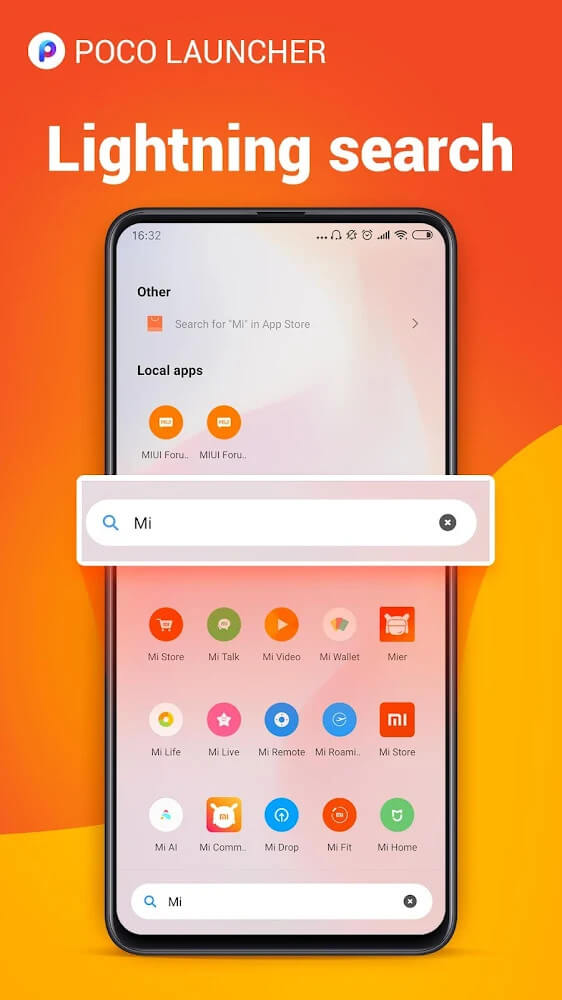
This version of the POCO Launcher MOD APK can recommend wallpapers based on the display, suggest an ideal home screen layout then, and reorganize drawers for a more efficient layout. Once you open the app, an AI will suggest a wallpaper that goes best with the display. When you launch the app, the layout of the apps in the drawer will change. Even though apps will be at the same location, the layout will contain new features for more efficient use and organization of the apps. The most notable feature is the search. Now you can simply find apps among a library of countless apps. To encourage this, the launcher has an AI that categorizes apps based on their purpose or usage. You can simply swipe between the categories including apps for productivity, games, or communication.
 |
 |
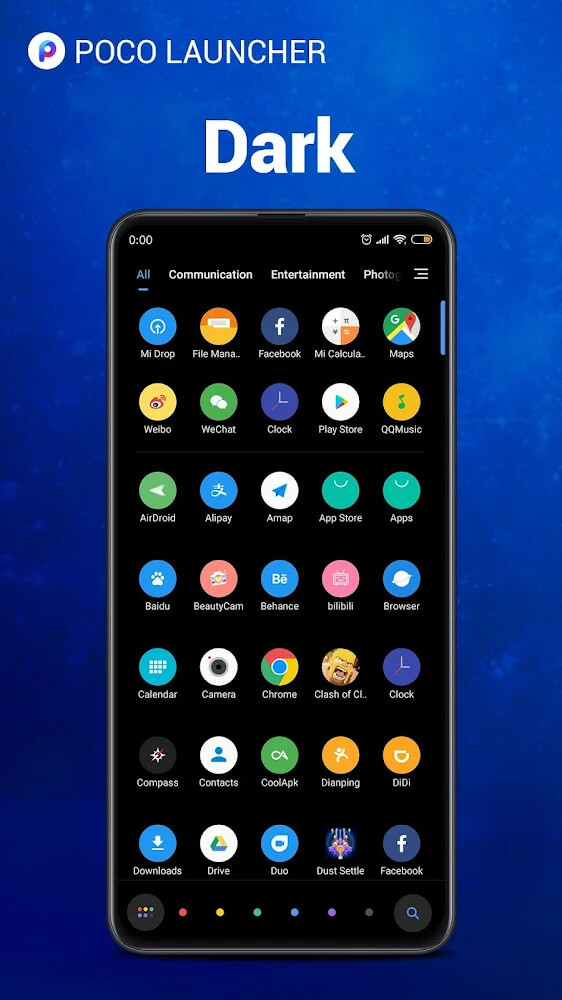
Detailed customizations can be found in the Settings menu. Users can customize the overall look and feel. They can change the background, pick an icon pack, and adjust the home screen. A unique feature is the ability to hide applications. This is used to create a clean home screen and app drawer by users. All of these individual features are consolidated to help users arrange their launcher the way they want. An advanced design technique used in this launcher is the optimization of multiple customizations on the interface. After multiple changes and customizations are added, the launcher stays optimized to maintain the fastest load time.
Lastly, the app supports third-party icon packs. Many users want to download icons from other developers to have a unique icon pack. Since this launcher was built for third-party icon packs, users do not need to uninstall the launcher to try a different icon pack. The app encourages users to use third-party packages to add new icons. The apps usually can see the packs and implement them with little to no hassle. This ensures that users don’t have to stick to the boring default icons Xiaomi provides, but rather can enjoy the plethora of designs provided by developers around the world. The app allows users to use third-party customization tools, which gives users endless possibilities to play with and evolve their device’s UI to new, cool icon designs to fit their style.
Key features
- Android Q system support
- Notification bar adjustments for Android 8.0 and higher
- Double-tap gesture for screen power management
- Interactive lock screen icons
- Wallpaper recommendation system
- Automated app categorization by definition
- Swipe-based navigation for app categories
- Integrated search tool for installed applications
- Customization settings for backgrounds and layouts
- Hide-application utility
- Third-party icon pack compatibility
Related MOD APKs
FAQ
What is the latest version of POCO Launcher 2.0 MOD APK?
Version 5.39.31.10317-12022134 by Xiaomi Inc. was released January 4, 2025. We don’t keep older versions here. Install this over your current app to update. If you get a signature error, uninstall the previous version first.
Is POCO Launcher 2.0 MOD APK safe to download?
This version 5.39.31.10317-12022134 of POCO Launcher 2.0 is the Xiaomi Inc. app, re-signed for distribution. 6 users rated it 4.7/5. It does not require root. You might see Play Protect alerts, so always download from this page.
Can I use POCO Launcher 2.0 MOD APK on PC or iPhone?
This Android file will not work on iPhone. On a PC or Mac, you can run the 22M APK using BlueStacks or LDPlayer. Simply install the emulator and drag the file into it.